Chinese
 Spanish
 Russian
 Portuguese
 French
 German
 Indonesian
 Thai
 Vietnamese
 Arabic
 Italian
 Turkish
 Polish
 Japanese


Weighing Accessories
Selecting Hints
Compare METRAVON weighing accessories for load-cell wiring and remote indication. Check junction boxes, cables, displays and printer interfaces before requesting a quote.
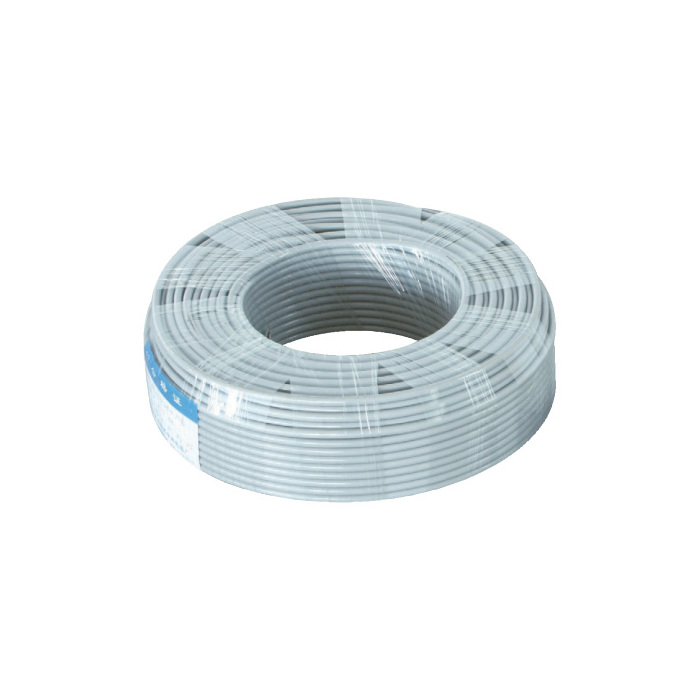
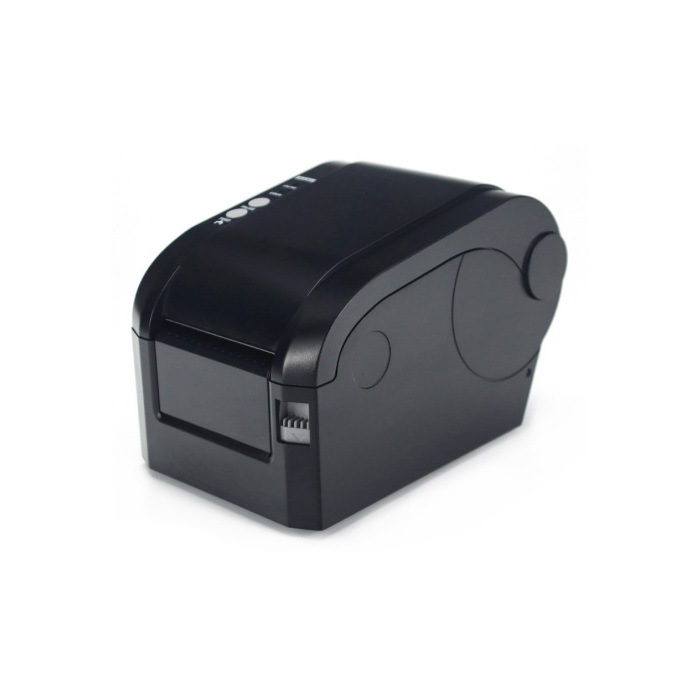
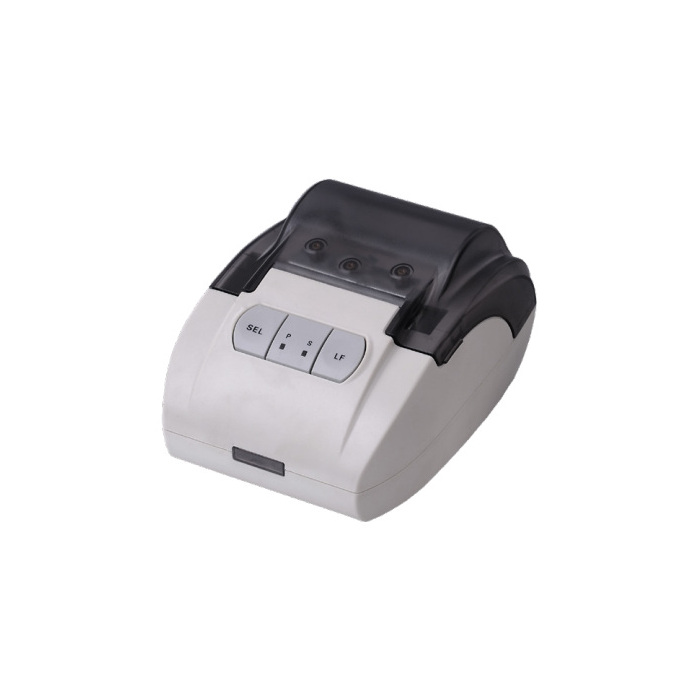
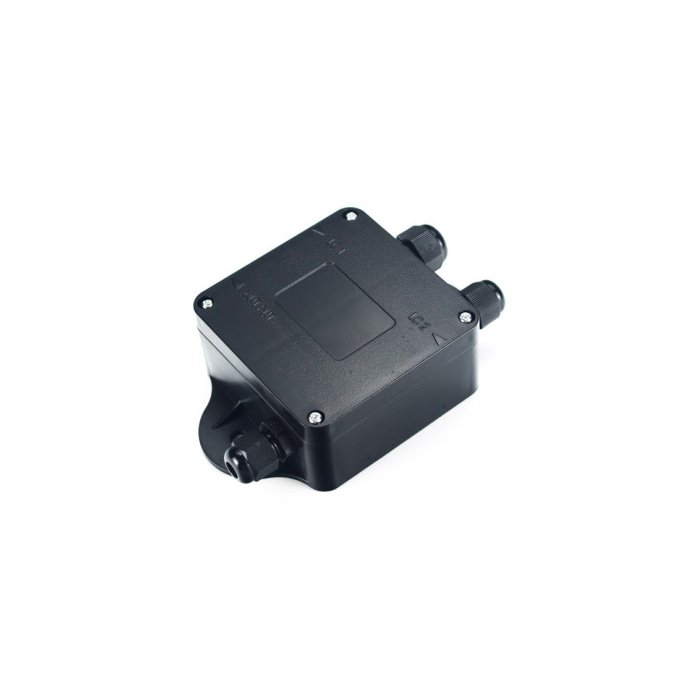
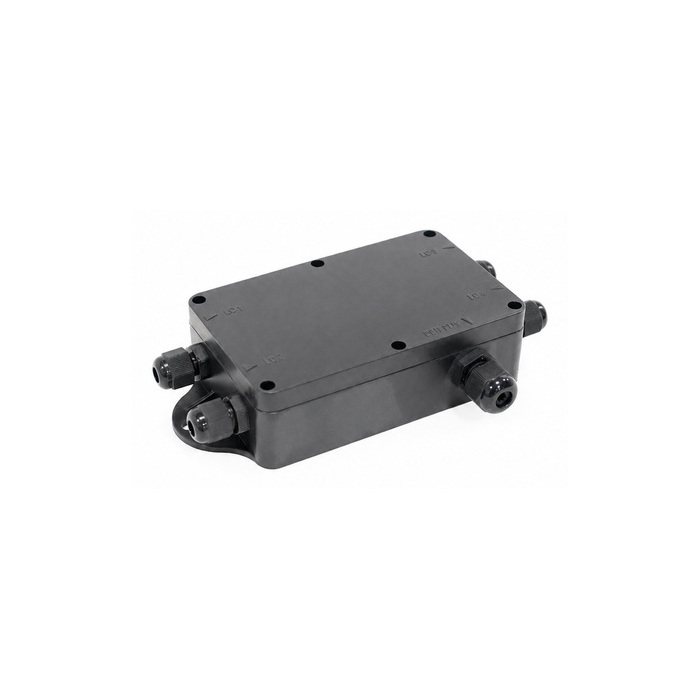
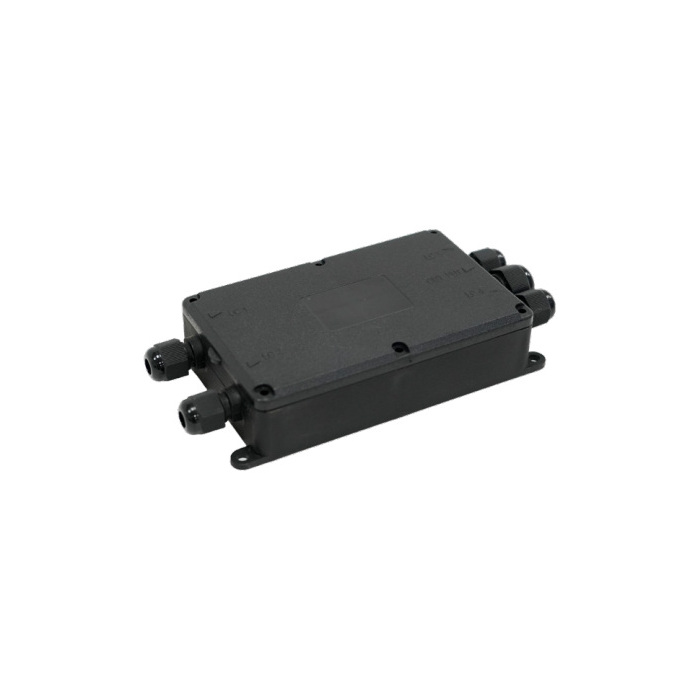
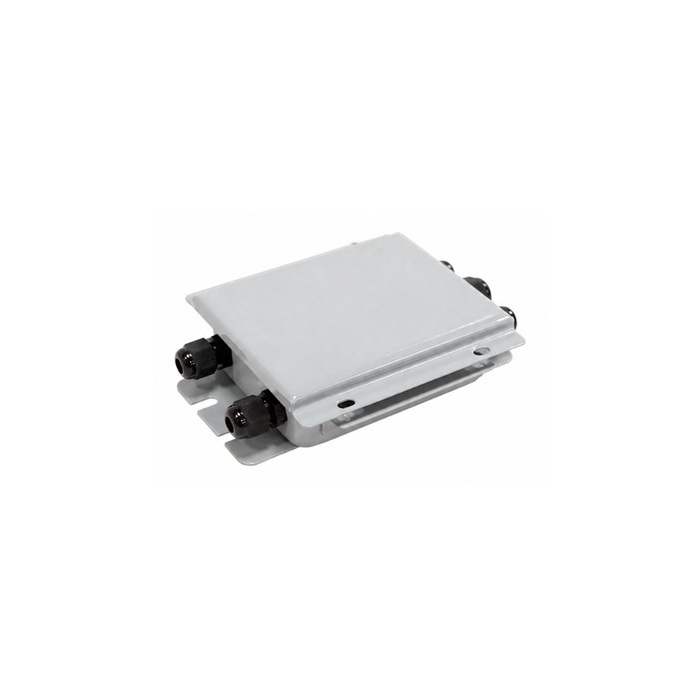
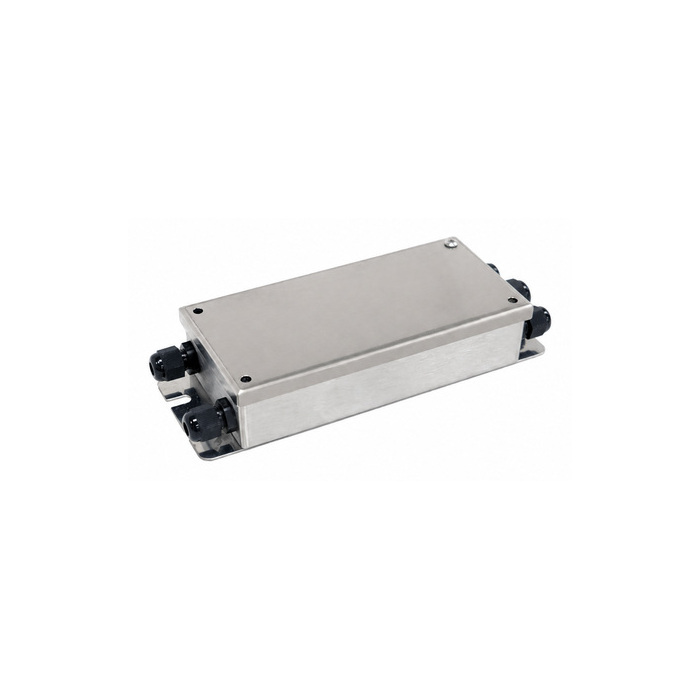
Match the accessory to the connection it serves
Begin with the indicator and load-cell wiring diagram. An accessory selected only by enclosure size or connector shape can leave the sensor circuit incomplete or send a remote device a format it cannot read.
Load-cell junction boxes and cables
For a junction box, check sensor count, excitation, signal and sense connections, adjustment method and cable entries. The MV-WA0004 is a signal-trim model; its housing dimensions do not establish compatibility with every scale. Resolve mechanical binding before using trim to balance the response.
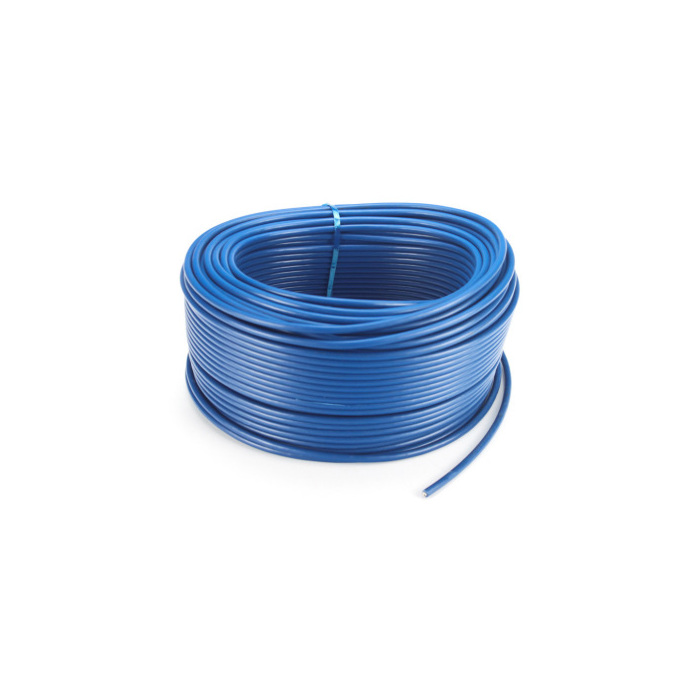
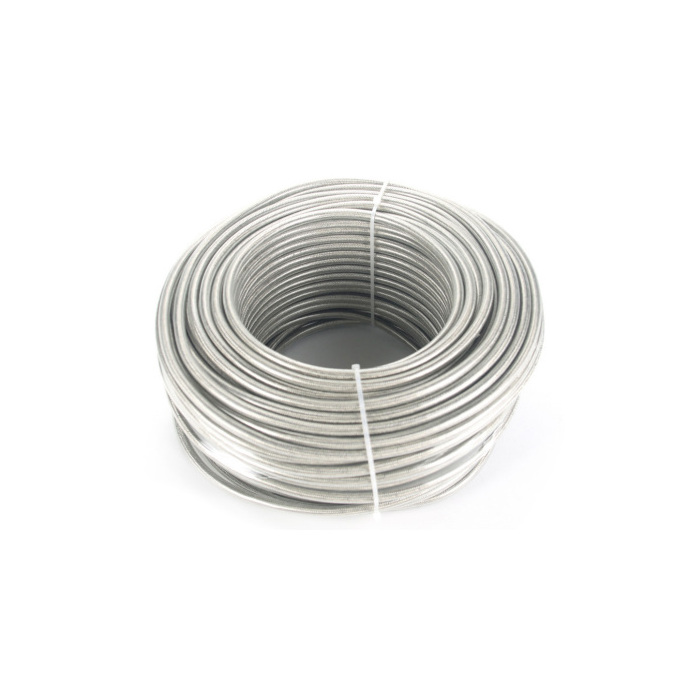
For cable replacement, specify conductor count, cross-section, route, gland fit and the equipment's shield termination instructions. Compare MV-WA0012 double-shielded cable against the observed interference and installation conditions. A second shield cannot correct vibration, moisture damage or a loose terminal.
Remote displays and weighing records
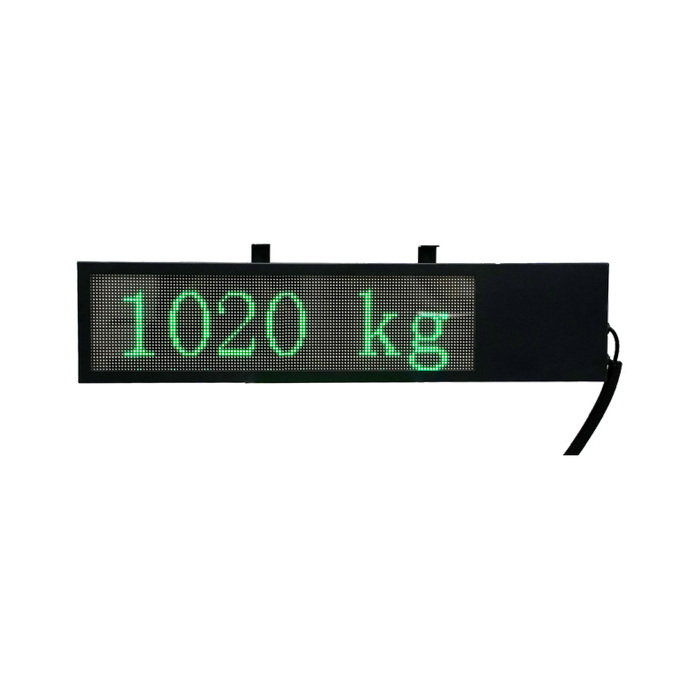
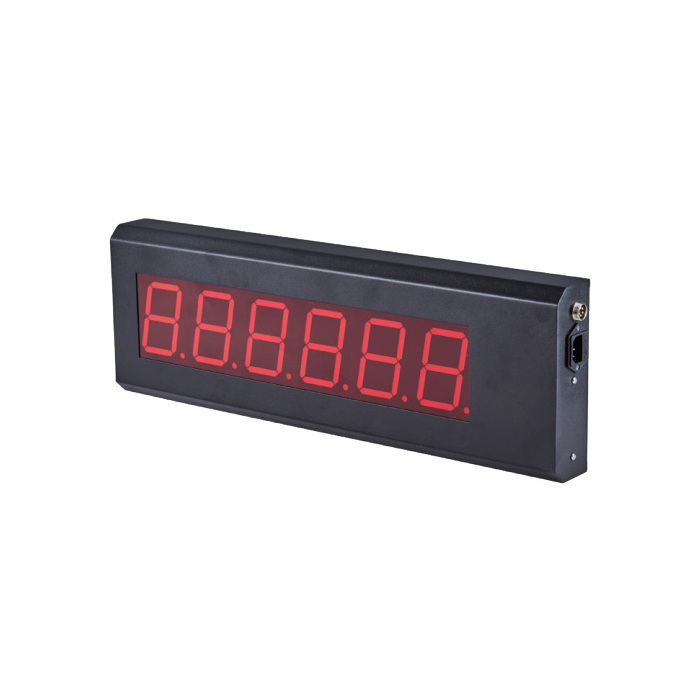
The MV-WA0014 remote display needs a compatible transmission from the main indicator. Confirm interface, data format, decimal placement and viewing position. For a printer, provide the indicator model and required ticket or label format before ordering the pair.
Q1. Does a junction box replace a weighing transmitter?
A bridge-sensor junction box connects and, where provided, trims sensor channels. If the PLC cannot excite and measure that bridge circuit, it still needs a suitable weighing instrument or transmitter. Check the complete terminal-to-terminal circuit before assigning an analog or serial PLC input.
Send the sensor and indicator models, wiring diagram, required accessory, quantity and installation conditions for a compatibility review and quotation.