Chinese
 Spanish
 Russian
 Portuguese
 French
 German
 Indonesian
 Thai
Thai Vietnamese
 Arabic
 Italian
 Turkish
 Polish
 Japanese

Radar level firmware changes should solve an identified requirement or defect, not follow a general assumption that newer software improves every installation. Before approving a change, identify the instrument hardware, current version and the manufacturer's procedure. Some assemblies may require service intervention rather than a field update.
Obtain a version-specific answer first
Request the applicable release information, supported hardware and approved update method. Clarify whether configuration data are retained, converted or reset, and whether the receiving system or configuration tool needs a corresponding change. Do not install a file intended for a similar housing or model family.
The METRAVON MV-RD12 product page describes available measurement and interface configurations. It does not establish a downloadable update, a universal firmware package or permission for user-performed upgrades. Any proposed change needs confirmation for the actual supplied electronics.
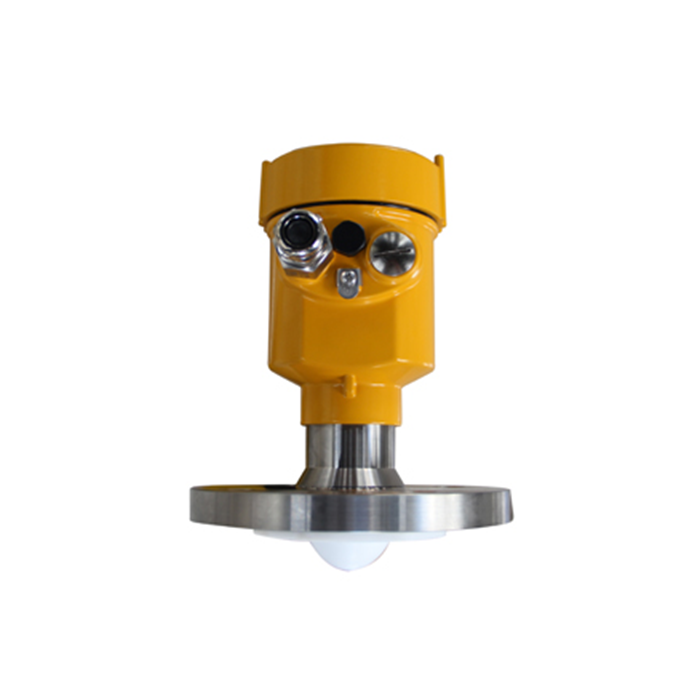
Radar level firmware changes require before-and-after evidence
| Before | After the approved change |
|---|---|
| Retain hardware identity, software version and the stated reason for changing it. | Confirm that the resulting version and device identity match the authorised procedure. |
| Save the complete configuration by an available approved method. | Compare reference dimensions, output mapping, filtering and application settings. |
| Record normal and fault behaviour at the receiving system. | Repeat the affected checks before restoring measurement-dependent operation. |
A settings file is not useful unless its source device and version are known. Keep a readable record of critical values as well as any export. If restoration is possible only through a service tool, confirm access to that tool before beginning. Do not assume a downgrade or rollback is supported.
Plan the interruption and recovery
Agree how the process will operate while the loop is unavailable. Preserve any required independent monitoring and follow the site's change procedure. A successful update message is not proof that level, units, scaling or fault indication remain correct.
Compare local and receiver readings at a suitable reference condition. Check the application behaviour affected by the change, not just communication. Where operation cannot be reproduced immediately, record the uncompleted checks and the restrictions on return to service.
Software maintenance questions
Q1. Should all similar instruments be updated together?
Not without confirming their hardware and duties. An approved representative trial can reveal configuration or integration effects before a wider change, but each installed unit still needs identification and the required verification.
Q2. Is an improved feature list enough reason to update?
Only if the feature applies to the supplied version and serves an actual requirement. Balance the expected benefit against interruption and validation work rather than treating a higher version number as a technical acceptance criterion.
Summary
Make software changes traceable and verify the installed loop afterward. Provide the instrument serial number, electronics version and the issue being addressed before requesting update guidance.