Chinese
 Spanish
 Russian
 Portuguese
 French
 German
 Indonesian
 Thai
Thai Vietnamese
 Arabic
 Italian
 Turkish
 Polish
 Japanese


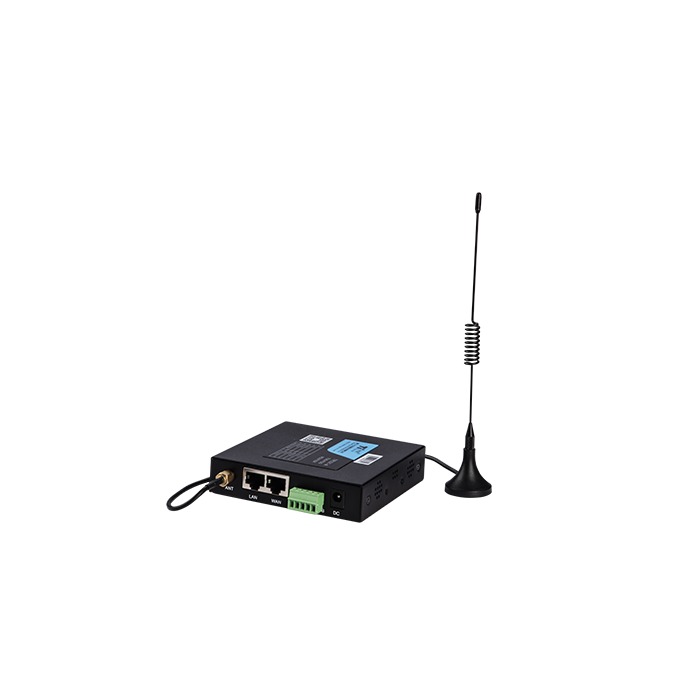
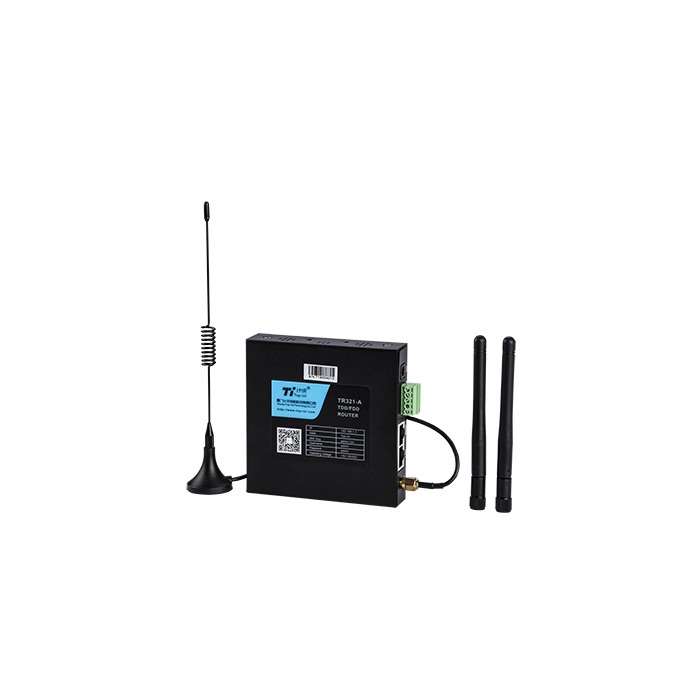
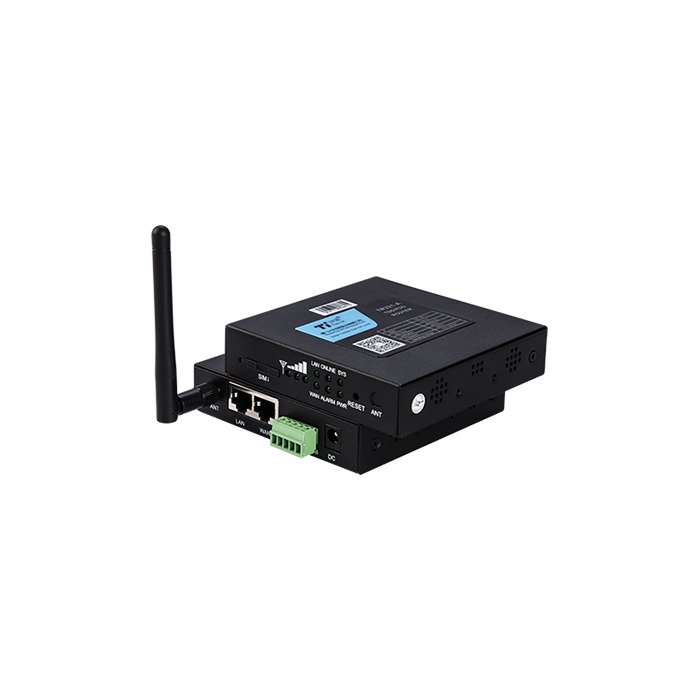
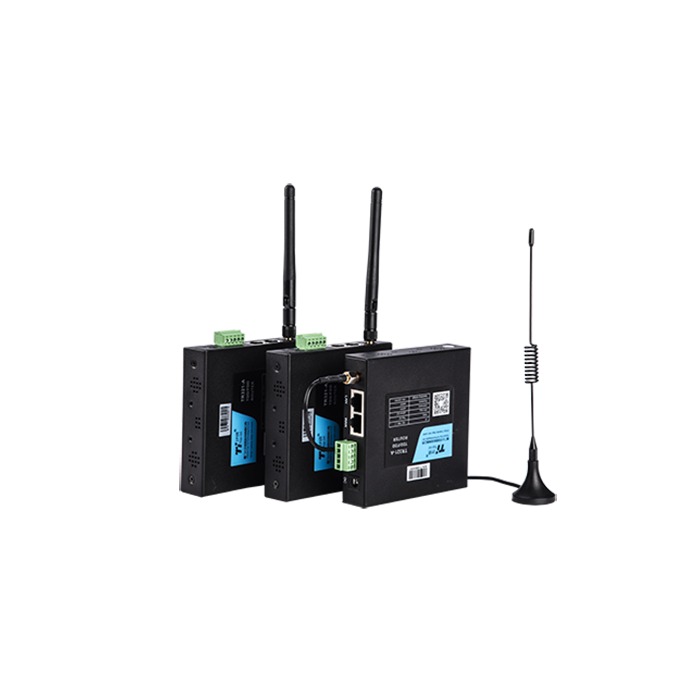
The TR321 4G dual-Ethernet industrial router offered by METRAVON connects a small local network to a cellular or wired uplink. It has one WAN and one LAN port, configurable as two LAN ports, and a listed RS232 interface. RS485/RS422 are optional variants to identify before ordering. It is a candidate for a PLC cabinet, monitoring terminal or remote equipment connection where two Ethernet ports meet the network design.
Choose the two-port arrangement first
With one port assigned to WAN, only the other port remains available as a local Ethernet connection. If the installation needs two local connections using cellular service, review the two-LAN configuration. If several local devices need individual ports alongside a wired uplink, compare the TR341 five-port router or an appropriate external switch.
Record the router's addresses and port roles before connecting it to a running machine network. Check for conflicting addresses and confirm who controls DHCP. Avoid changing the machine network's addressing merely to match an unreviewed router default.
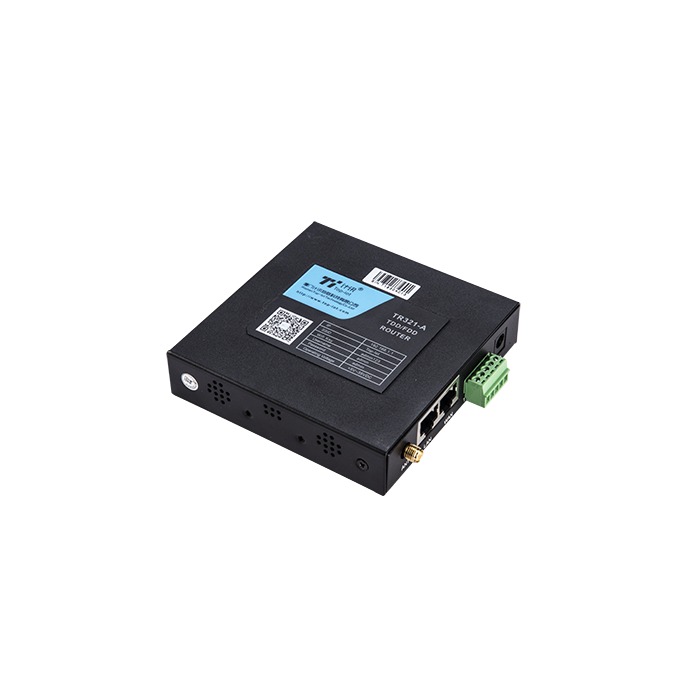
TR321 hardware for cabinet planning
| Item | Product data | Site check |
|---|---|---|
| Ethernet | 1 WAN + 1 LAN; 2-LAN option | Confirm the configured role of each port and the devices connected to it. |
| Serial | RS232; RS485/RS422 optional | Specify the electrical interface as well as the required transparent or protocol-conversion mode. |
| Cellular | 4G | Check the ordered module against the operator, country and antenna installation. |
| Supply | 5-35 V DC | Assess voltage at the device and the supply capacity during transmission and other cabinet load changes. |
| Size | 100 x 100 x 23 mm | Leave clearance for cable plugs, antenna leads and maintenance access around the housing. |
| Environment | IP30; -35 to +75 deg C | Provide protection from water and condensation; operating limits must match the delivered version. |
Wi-Fi is an option, not a substitute for confirming the physical connections. Agree whether the application needs wired access, wireless access or both, and include the antenna arrangement in the order.
Keep routing and instrument acquisition separate
A routed connection can carry data produced by a PLC without interpreting its registers. A serial transport function carries instrument traffic only in the supported mode. If the router must poll instruments or build MQTT messages, confirm that exact function in the firmware and test it with the receiving application.
The published software list includes TCP/UDP transport, MQTT, Modbus RTU/TCP and VPN options. This does not establish a ready-made driver for every PLC or a compatible payload for every cloud service. Provide the required endpoint, protocol role and data format rather than asking only for an internet connection.
Use an approved remote-access design. Confirm the supported VPN method, authentication and configuration with the network owner; a public IP address is not permission to expose the router's management interface. Keep monitoring access distinct from access that can change machine settings.
Verify link recovery at the application
Where wired/cellular backup is configured, agree the preferred route, failure-detection target and return-to-primary policy. Interrupt each route during an authorised test and measure when the application resumes useful communication. Do not promise uninterrupted sessions or a fixed recovery time without a test of the complete arrangement.
Record uptime and logs during a fault. If the router stays online but a measurement disappears, check the serial source and application before replacing the modem. The router disconnection guide provides a layer-by-layer investigation.
Questions before replacing an existing router
Q1. Can an RS232 unit be wired directly to an RS485 instrument?
No. They are different electrical interfaces. Order the appropriate variant or use a suitable converter, then confirm the serial protocol and settings. Matching the connector shape or wire count is not sufficient.
Q2. Will any 4G SIM work?
The SIM service, APN, module bands and operator permissions must all match. Test the intended operator at the actual antenna position and check the destination connection, not only cellular registration.
Q3. Does reconnection recover the readings lost during an outage?
Not unless a defined component has stored them and supports replay. Identify whether history is retained by the PLC, RTU, server or an explicitly supported router function. Establish that responsibility before specifying a no-data-loss requirement.
Request the correct variant
For a TR321 quotation, provide the local network diagram, uplink arrangement, serial interface, operator and country. Include remote-access policy, cabinet conditions and recovery requirements so the delivered configuration can be checked against the actual connection.