Chinese
 Spanish
 Russian
 Portuguese
 French
 German
 Indonesian
 Thai
 Vietnamese
 Arabic
 Italian
 Turkish
 Polish
 Japanese


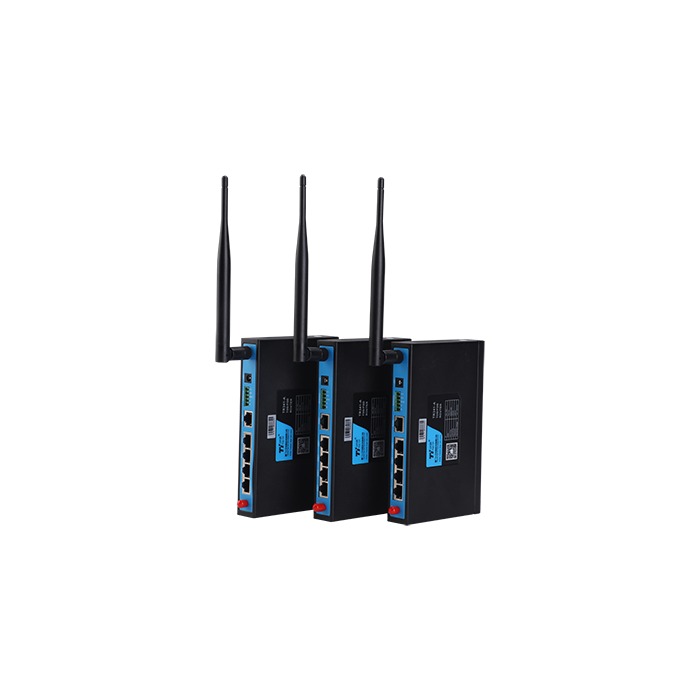
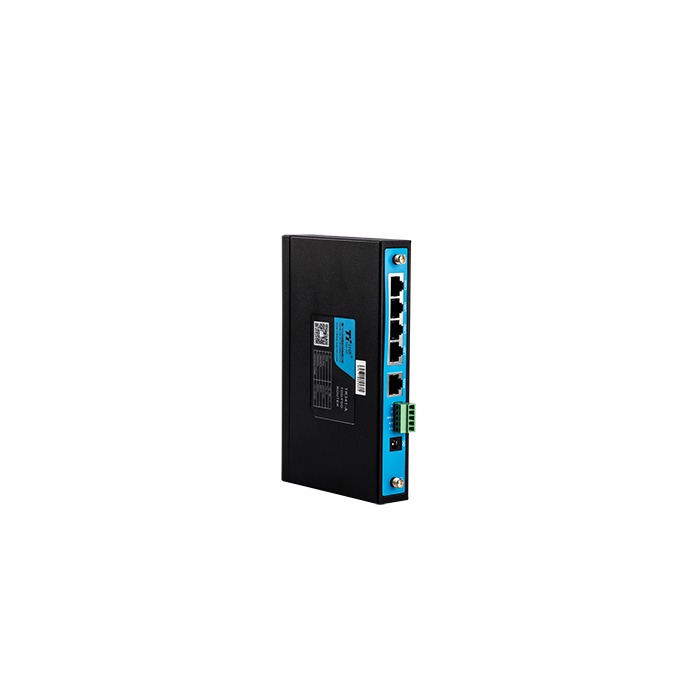
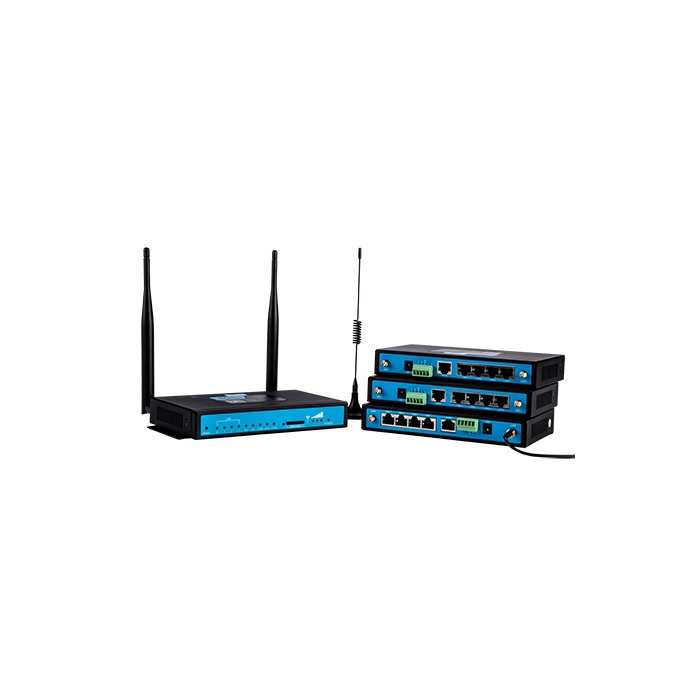
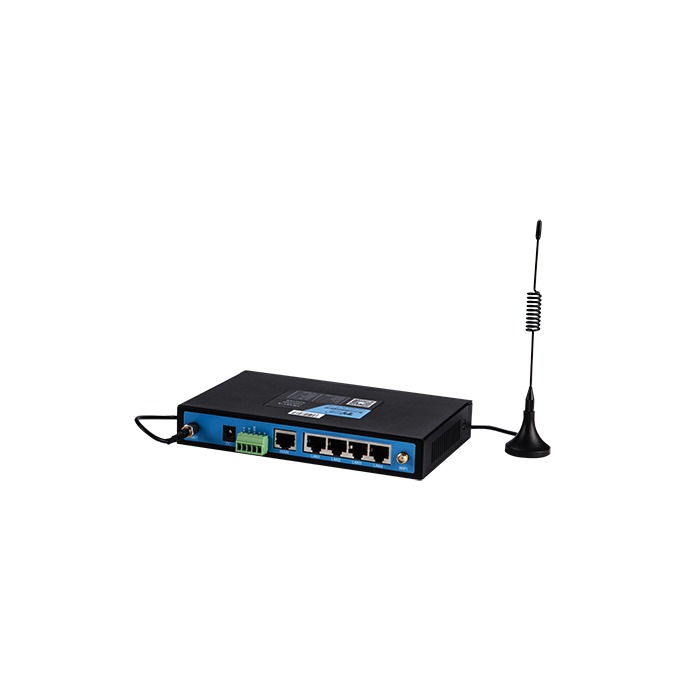
The TR341 4G five-port industrial router offered by METRAVON is intended for cabinets with several Ethernet-connected devices. Its listed layout is one WAN and four LAN ports, with the WAN port configurable as another LAN port. RS232 and RS485 are included in the published interface list; the delivered serial combination and optional functions should be matched to the installation.
Count local devices and the uplink separately
Four local devices can use the four LAN ports while a separate wired uplink occupies WAN. Reassigning WAN as LAN changes that arrangement: it provides a fifth local port but no longer leaves that port available for the original wired-uplink role. Draw the intended connections before deciding whether an external switch is unnecessary.
A PLC, HMI, camera and maintenance computer may all fit physically, yet have different traffic and access requirements. Ethernet port count does not establish isolation between machines, Power over Ethernet capability or a guaranteed uplink rate. State those requirements explicitly if they are part of the project.
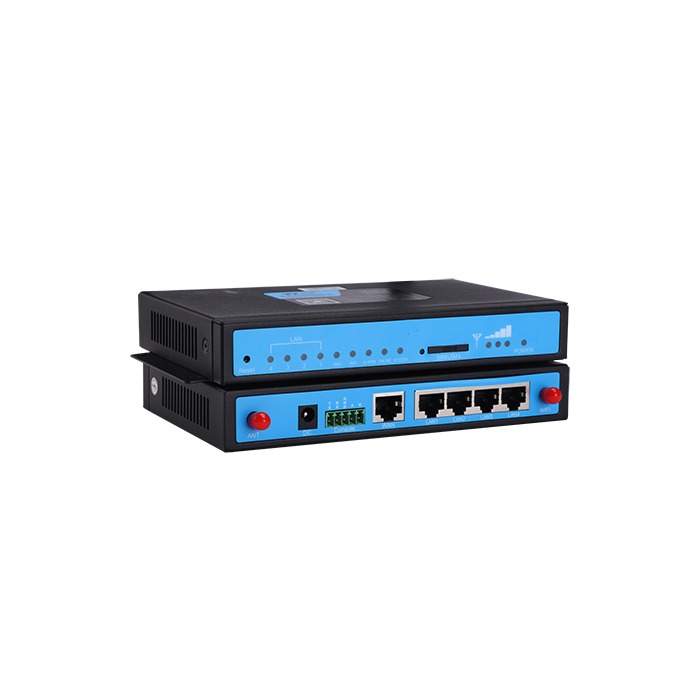
TR341 connection and installation data
| Item | Port data | Project check |
|---|---|---|
| Ethernet | 1 WAN + 4 LAN | Confirm port rates and roles, including the consequence of reassigning WAN as LAN. |
| Serial | RS232 and RS485 | Check the delivered port combination and its transport or protocol mode against the instrument list. |
| Uplink | 4G and wired network | Define primary and backup paths, operator requirements and application recovery behaviour. |
| Wi-Fi / TF | Configuration-dependent | Confirm hardware, firmware and supplied accessories; a storage slot alone does not define a logging service. |
| Power | 5-35 V DC | Check power demand for the exact configuration and separate router demand from other cabinet equipment. |
| Housing | IP30 metal enclosure | Allow for ventilation, cable access and environmental protection in the installed cabinet. |
The published operating range is -35 to +75 deg C under non-condensing conditions. Confirm the mounting method and dimensions of the supplied version before manufacturing the panel. IP30 does not make the router suitable for exposed outdoor use or direct washdown.
Check traffic demand before relying on 4G backup
A small control-data connection and continuous video can place very different demands on the same uplink. List normal and peak traffic, including maintenance downloads and updates. Test the intended operator at the antenna location and compare the application's needs with the available service; a mobile-network label is not a site throughput guarantee.
For wired-to-cellular backup, specify how failure is detected and whether the router should return automatically to the wired path. Check the application after each change of route. A VPN or remote service may need to re-establish its session even though the underlying network has recovered.
Provide the APN, destination addresses and approved remote-access method to the responsible network engineer. Any firewall, segmentation or access-control feature needed by the design must be verified in the selected firmware. Do not assume that several LAN sockets provide separate security zones.
Use serial and software functions for a defined job
TR341 lists TCP/UDP transport, MQTT, Modbus RTU/TCP and VPN functions. Determine whether an existing server interprets the instrument data or whether the router must perform a supported conversion. Confirm the data format and operating mode with an actual instrument response.
Where the project needs extensive device polling, digital I/O and gateway-side mapping, assess the TG451 gateway as a different hardware and software configuration. Do not select TR341 as an edge-computing server merely because it has several network ports.
TF storage, Wi-Fi and SIM arrangements need explicit confirmation. In particular, optional storage is not a promise that a router will capture and replay all PLC traffic. State the required stored records and identify the component responsible for them.
Questions for a multi-device cabinet
Q1. Can TR341 replace a router and a switch?
It may cover a small installation when the available LAN ports and confirmed switching functions meet the design. Retain a separate switch where additional ports, PoE, segmentation or other capabilities are required but not established for this router configuration.
Q2. Is it preferable to TR321 for every project?
No. The TR321 dual-port model may be sufficient for a single local connection. Choose the larger port arrangement when it removes a real connection constraint; it does not by itself improve the cellular link.
Q3. Can a camera and PLC share the cellular connection?
Assess their combined traffic and the consequences of congestion. Test control-data availability during representative video transfer, and verify any required prioritisation function. Do not infer that physical connection to different ports reserves bandwidth for the PLC.
Define the network for quotation and acceptance
Request a TR341 network configuration review with the device count, port diagram, traffic profile and wired/cellular preference. Include serial functions, Wi-Fi or storage options and remote-access requirements. At handover, test each connection and the agreed backup sequence, and retain the approved settings with the installed hardware identity.