Chinese
 Spanish
 Russian
 Portuguese
 French
 German
 Indonesian
 Thai
Thai Vietnamese
 Arabic
 Italian
 Turkish
 Polish
 Japanese


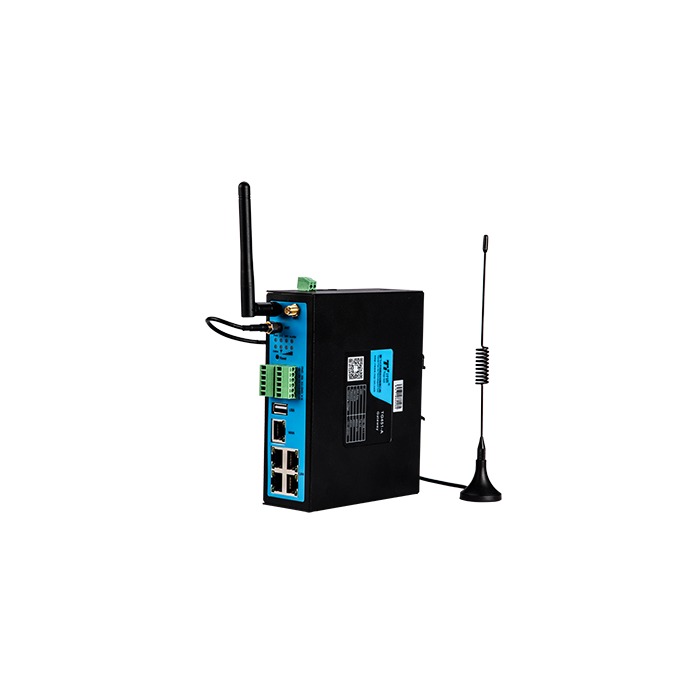
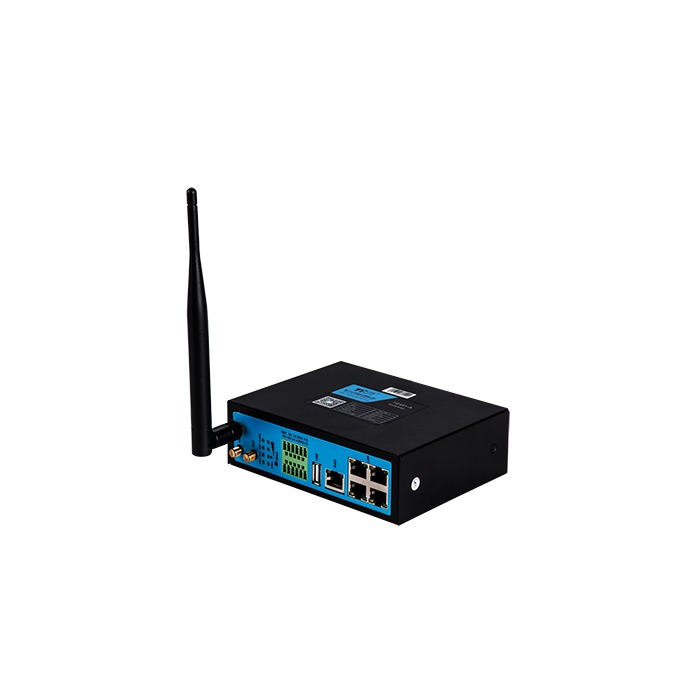
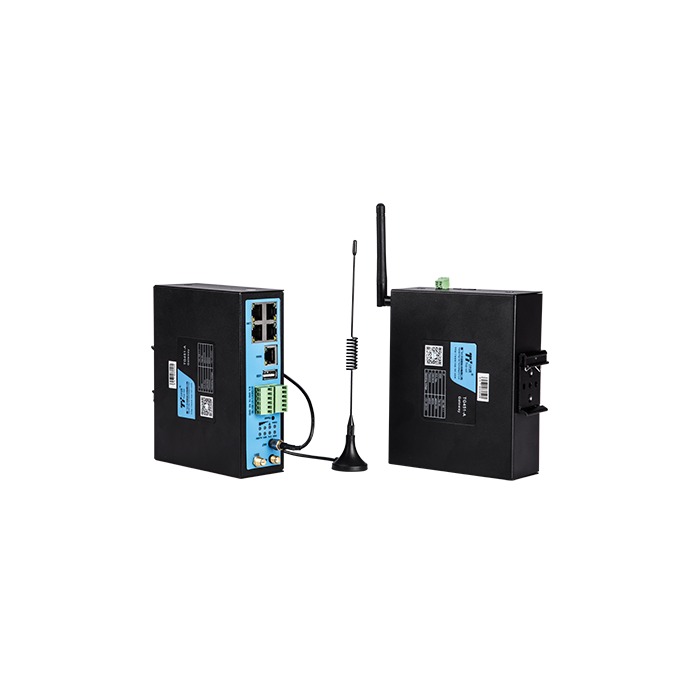
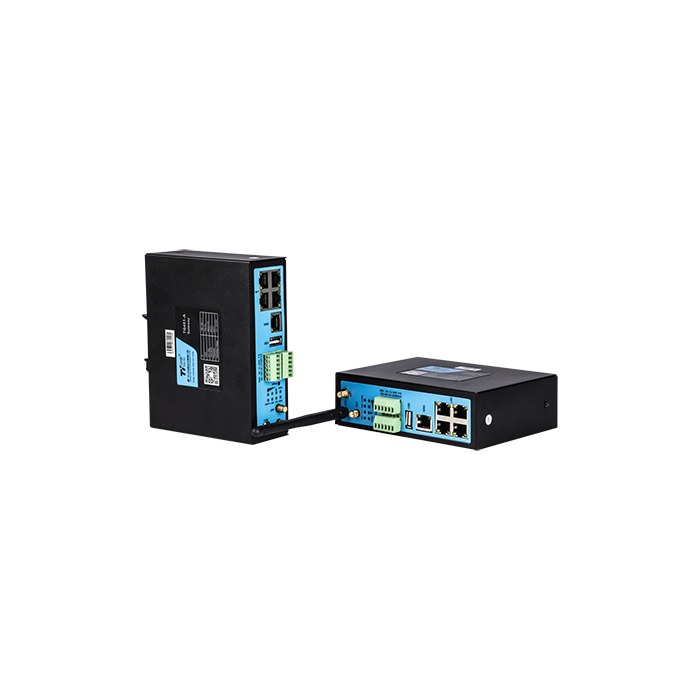
The TG451 4G industrial IoT gateway offered by METRAVON combines Ethernet, serial and digital connections for equipment monitoring and remote maintenance. Its published hardware includes five Ethernet ports, RS232, RS485, two digital inputs and two relay outputs. It suits a cabinet containing several types of equipment, provided the ordered firmware can perform the required acquisition or conversion task.
Decide what the TG451 gateway must do with the data
A PLC maintenance connection and an instrument-to-cloud connection are different jobs. Remote maintenance may require an authorised network path to an existing controller. Instrument reporting may require the gateway to poll registers, convert values and construct messages. Specify which job belongs to the TG451 before comparing configurations.
For a pumping station or heat-exchange plant, list the PLC, drives, meters and status contacts separately. A device connected to Ethernet is not automatically supported by a particular driver. Supply the device model, protocol version and register map where applicable; a sample message or a working configuration is useful when replacing an existing gateway.
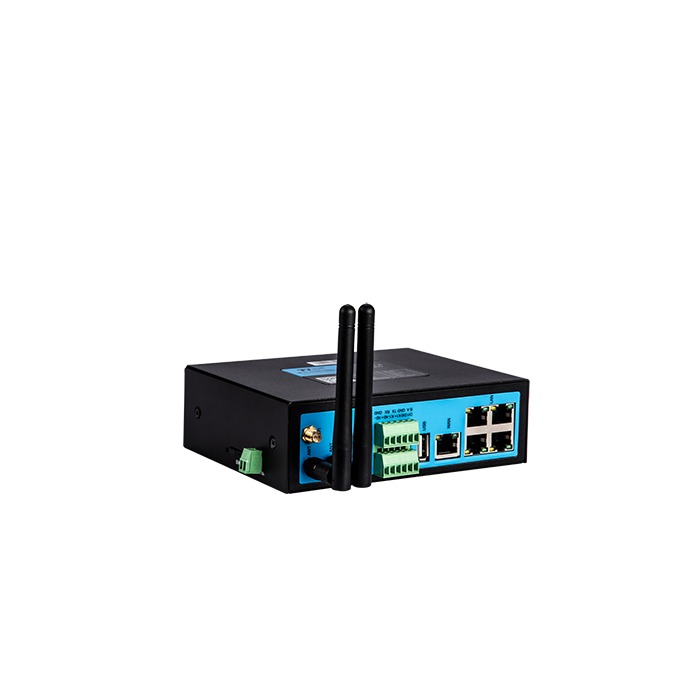
Hardware and configuration checks
| Item | Listed hardware | Order check |
|---|---|---|
| Ethernet | 5 ports | Confirm port roles, required link rates and the network layout rather than assuming five independent routed networks. |
| Serial | 1 RS232; 1 RS485 | Identify which instruments share a bus and match their settings, addressing and polling ownership. |
| Digital I/O | 2 DI; 2 relay outputs | Obtain the input circuit and relay contact ratings before connecting field signals or loads. |
| Supply | 5-35 V DC | Size the supply and wiring for the delivered configuration, including transmission peaks and connected equipment. |
| Housing | IP30 metal enclosure | Use a suitable cabinet where water, dust or condensation can reach the equipment. |
| Other ports | USB | Confirm the supported USB purpose; the connector alone does not establish application or storage support. |
4G, Ethernet and Wi-Fi functions are listed for the product family. Cellular bands, Wi-Fi requirements and any dual-SIM or dual-module arrangement must be identified in the quotation. The published temperature range is configuration-dependent; obtain the operating limits for the selected version when specifying a hot or cold installation.
Match the firmware to the receiving system
The protocol list includes MQTT, Modbus RTU, Modbus TCP and TCP/UDP. IEC 101/104 and DL/T645 are firmware-dependent functions, not a reason to assume that any standard unit can read every electricity meter. Name the required protocol role and version, and establish whether a driver or platform service needs a separate licence.
For Modbus acquisition, prepare the address convention, data types, scaling and fault indications. For MQTT reporting, define the broker connection, credentials, topics and payload fields. Verify one complete measurement at the source and destination before expanding the tag list. The data integration acceptance guide explains how to check that path.
The relay outputs do not make this gateway a substitute for a safety controller. Confirm load type and switching duty; use an appropriately rated interface where the load exceeds the confirmed contact capability. Machine protection and time-critical control need their own assessed design.
Commission the local network before enabling remote access
Start with supply, earthing, antenna routing and a documented IP address plan. Connect one field device at a time, verify its data locally, then enable the agreed uplink. This separates an acquisition error from an APN, routing or platform problem.
Test the required response to a lost uplink and an unavailable destination. A connection restored by the modem does not prove that an application has resumed receiving valid values. If historical storage or retransmission is required, establish its capacity and behaviour for this firmware instead of assuming that all gateway modes buffer data.
Restrict maintenance access to approved users and destinations, and retain a recoverable configuration. Include credentials ownership, firmware updates and any ongoing platform charges in the handover.
Questions about the configuration
Q1. Can TG451 replace several separate converters?
It can be assessed for that role when its available ports and supported modes cover the existing connections. Check simultaneous operation, polling demand and failure behaviour. Having enough connectors does not establish that all required software functions can run together.
Q2. Are two SIM cards or two cellular modules standard?
Do not assume either from the base model name. Specify the required arrangement and the failure it must address. Ask for a switching test with the intended operators and receiving application, including the behaviour when the primary link returns.
Q3. Can it directly measure a 4-20 mA sensor?
The listed TG451 inputs are digital, not analogue current inputs. A direct current-loop project needs a suitable acquisition device; the TG501 RTU is an alternative to review against the required input range and channel count.
Prepare a configuration enquiry
Send METRAVON the equipment and connection schedule, destination format, cellular operator and installation conditions. Identify remote-maintenance access, protocol conversion and relay duties separately so the offer can state the hardware, firmware, accessories and services included.